About the author

Gonzalo Gomez
AI & Automation Specialist
I design AI-powered communication systems. My work focuses on voice agents, WhatsApp chatbots, AI assistants, and workflow automation built primarily on Twilio, n8n, and modern LLMs like OpenAI and Claude. Over the past 7 years, I've shipped 30+ automation projects handling 250k+ monthly interactions.
Subscribe to my newsletter
If you enjoy the content that I make, you can subscribe and receive insightful information through email. No spam is going to be sent, just updates about interesting posts or specialized content that I talk about.
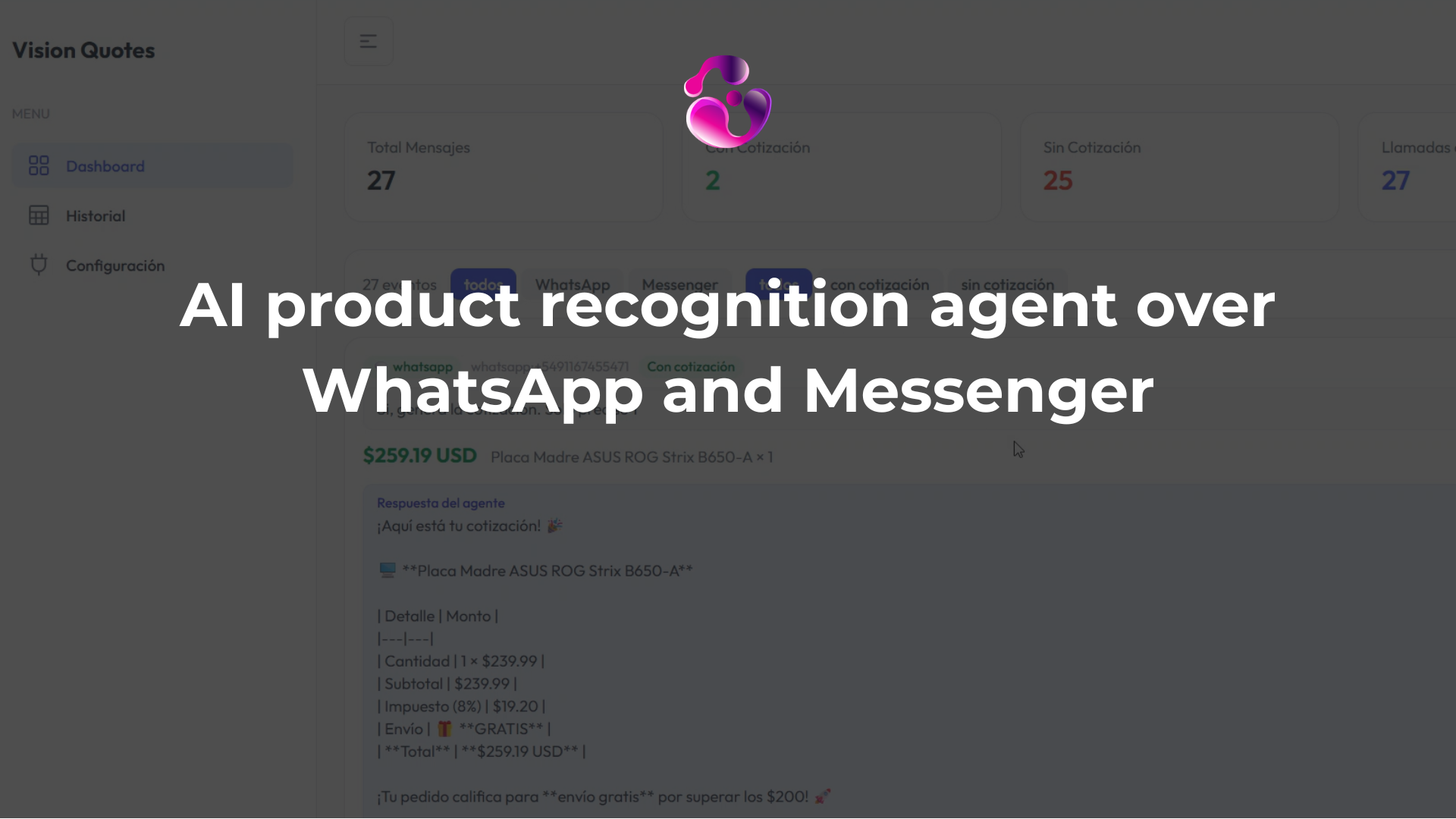
Building a product recognition agent that quotes in real time over WhatsApp and Messenger
The system works like this: a customer sends a photo of a motherboard over WhatsApp. The agent downloads the image, passes it to Claude, gets back a structured product match with confidence score, checks that SKU against the catalog, and replies with availability and a quote. All without a human in the loop. You can see the walkthrough video here.
The latency for a full image recognition + catalog lookup + quote generation cycle in this build was around 12 to 13 seconds. That is measurable and worth knowing upfront before you decide whether this architecture fits your use case. In my personal opinion, it's a really well time considering that doing this manually involves multiple minutes per quote, and each request adds up at the end of the day.
The architecture decision that makes this reliable
The design choice that I keep coming back to is this: Claude handles image classification, not pricing. The agent identifies the product and finds the SKU. The pricing comes from the catalog, which is predefined JSON. The AI never calculates a price.
This matters because LLMs are not deterministic. If you let the model handle pricing logic, you will eventually get a hallucinated discount, a wrong currency, or a subtotal that does not add up. Keeping the AI in the classification layer and the business logic in deterministic code is what makes this system safe to run against real customers.
Stack and entry points
Backend is Python with FastAPI. Vision and response generation run on Claude Sonnet 4.6 via the Anthropic client. WhatsApp and Messenger are both handled through Twilio as the messaging layer. Conversation history persists in SQLite, lightweight enough for this purpose and easy to replace later if you need something heavier.
Two entry points feed into one agent runner:
- Incoming WhatsApp message hits
/webhook/whatsapp - Incoming Messenger message hits
/webhook/messenger
Both routes dispatch to the same agent runner as an async task. The response gets sent back once the agent finishes.
# Both channels dispatch to the same agent runner
async def handle_whatsapp(request: Request):
   payload = await request.json()
   sender = extract_sender(payload)
   text, image_url = extract_content(payload)
   asyncio.create_task(run_agent(channel=""whatsapp"", sender=sender, text=text, image_url=image_url))
   return Response(status_code=200)
Adding a third channel, either Instagram DMs, or even email, means adding a new route and a new channel key. The agent runner does not need to change. This is why single responsibility principles matter the most when thinking about scaling your app.
The agent loop and why the cap matters
The agent has three tools:
- analyze_product_image: passes image bytes to Claude, returns a structured object with product name, category, confidence score
- search_catalog: takes the extracted product description and queries the JSON catalog
- generate_quote: takes a SKU and quantity, builds the line-item breakdown with shipping rules applied
The agent loop has a hard cap of five iterations. This is not arbitrary. Without it, the agent will sometimes re-analyze an image it already classified, or run a catalog search it already completed, or loop back because it is not confident in a prior step. Five iterations is enough for the full happy path (analyze → search → quote) with room for one retry if something comes back ambiguous.
MAX_ITERATIONS = 5
async def run_agent_loop(messages, tools, client):
   for i in range(MAX_ITERATIONS):
       response = await client.messages.create(
           model=""claude-sonnet-4-6"",
           tools=tools,
           messages=messages
       )
       if response.stop_reason == ""end_turn"":
           return response
       # process tool calls, append results, continue
   return response  # return whatever we have after max iterations
If the loop hits the cap before finishing cleanly, the agent returns what it has. It does not hang.
Image context across turns
One of the subtle things in this build: when a customer sends a photo and then keeps talking about it without resending, the agent needs to remember which image it already analyzed.
The system prompt explicitly instructs Claude not to call analyze_product_image again if there is already an analyzed product in conversation context. This is important because the Messenger API does not re-serve the original image URL in follow-up turns — so if the agent tries to re-fetch it, it will get a 404 and the tool call will fail.
You can see this in the event log from the video: when the customer asked for a quote on the motherboard they had sent earlier, the agent attempted analyze_product_image, got an error because no image was in the current message, recovered from context, and still completed the quote correctly. The error is expected behavior, not a bug, the system prompt handles it.
Why Claude for vision instead of a local model
Training a local model that reliably recognizes the full range of products a catalog might contain: different categories, different brands, varying photo quality, angles, lighting, and such, is months of work and significant compute cost. Using Claude's vision capability means you get a model that already understands product imagery across categories. You pass in the image bytes, get back a structured classification, and pay per call.
The tradeoff is that you are paying API costs at inference time and depending on an external service. For a catalog with hundreds of SKUs across electronics categories, that tradeoff is correct.
The vision prompt is separate from the agent system prompt. It tells Claude it is acting as a product recognition engine, specifies exactly the JSON structure it should return, and makes the output schema mandatory. Althought Claude generally follows instructions well, making the schema mandatory matters because if the model decides to return extra fields or omit a required one, your catalog lookup will break in ways that are hard to debug.
VISION_PROMPT = """"""
You are a product recognition engine. Analyze the image and return a JSON object with this exact structure:
{
 ""product_name"": str,
 ""category"": str,
 ""brand"": str | null,
 ""confidence"": float,  # 0.0 to 1.0
 ""search_keywords"": [str]
}
Return only this object, no additional text.
""""""
The catalog and why it is JSON for now
The product catalog is a static JSON file with SKU, name, category, brand, price, weight, and any additional attributes relevant to the store. Static is fine for a demo and fine for a small catalog. It is also a deliberate design choice: the catalog shape is already defined as JSON, so swapping it out for a CRM response or an external database means changing the data source, not the catalog schema.
The search_catalog tool does keyword matching against this file. If you are scaling to thousands of SKUs, you will want to replace this with a vector search over product embeddings, but the tool interface does not change, only the implementation inside it.
The observability layer
The build includes an admin dashboard that streams agent events in real time via SSE. Every tool call, its inputs, its outputs, and the total latency for the full agent run get stored as events in SQLite and cast to the UI.
This is not part of the agent itself. The agent is a self-contained module, meaning it does not know about the UI. The dashboard reads the event log. It is there to answer questions like: why did this conversation not find a match? Did the image analysis return low confidence? Did the catalog search return zero results?
In the demo, the motherboard recognition came back at 95% confidence. That number is in the event payload. If you are running this in production and seeing matches drop below a threshold, you can catch that in the event log before a customer notices.
What I would review before going to production
The SQLite persistence works for single-instance deployments. The moment you run more than one server process, conversation history splits across instances and the agent loses context mid-conversation. Replace it with Postgres or Redis before scaling horizontally.
The five-iteration agent loop cap is right for the current tool set. If you add more tools — check order history, apply a discount code, validate a promo — revisit that number. Five iterations can become insufficient, or it can become a source of unexpected early exits.
The static JSON catalog lookup works but has no fuzzy matching. If a customer sends a photo of a product that is slightly outside the expected categories or sends a low-quality image, confidence will drop and the search keywords may not find anything. Adding a simple embedding-based similarity search on top of the catalog would recover most of these cases.
Found this article helpful? Feel free to subscribe to my newsletter or message me directly with your thoughts at gonzalo@ggomez.dev
-Gonza
Tags: computer-vision, twilio, claude-api, ai-agents, python
Building something like this on Twilio? I help companies design and run these systems in production. Explore my Twilio consulting and development services.
Find out what your communication setup is costing you.
Get the communication audit