Introduction
Every minute your business takes to respond to a WhatsApp message is a minute where the lead is still talking to someone else. The typical answer is "hire a person for coverage" or "buy a chatbot platform". Neither of those scales the way you want. What I built instead is an agent that runs 24/7, responds in the tone of the business, and hands off to a human the moment a qualified lead is worth the attention.
The stack: Claude API for response generation, Twilio for the WhatsApp channel, FastAPI with Python for the backend, SQLite for conversation persistence, and NGrok for local tunneling during development. The build was orchestrated almost entirely by Claude Code, using a Twilio MCP server so the model had live, accurate Twilio documentation instead of stale training data.
This post walks through how the system is designed, the decisions worth understanding, and what surprised me along the way.
Why Claude API is not the same as a Claude subscription
This is the thing that catches people off guard and it's worth being explicit about it upfront.
When you subscribe to Claude, you get access to Claude.ai, Claude Code, and the workbench. None of that gives you API access for programmatic integrations. When you're building a system that calls Claude from code, you're billing against the Anthropic API separately. That means you need to create API keys at platform.anthropic.com, load credits there, and optionally enable auto-recharge. Your monthly Claude subscription and your API usage are two separate line items.
For a WhatsApp agent handling moderate volume, the API cost is not prohibitive. But if you design a system that sends the last 50 messages as context on every incoming message without thinking about token count, you'll feel it.
System architecture
The flow looks like this:
- A WhatsApp message hits the registered Twilio sender number
- Twilio forwards the payload via webhook to a public URL (NGrok tunnel in dev, server URL in production)
- The FastAPI backend receives the request and validates the Twilio signature before doing anything else
- If validation passes, the message gets written to SQLite (linked to the conversation by phone number)
- A mode check runs: if the conversation is in "agent" mode, Claude API gets called with the last N messages as context; if the conversation is in "human" mode, nothing happens automatically
- The response gets dispatched back through Twilio to WhatsApp
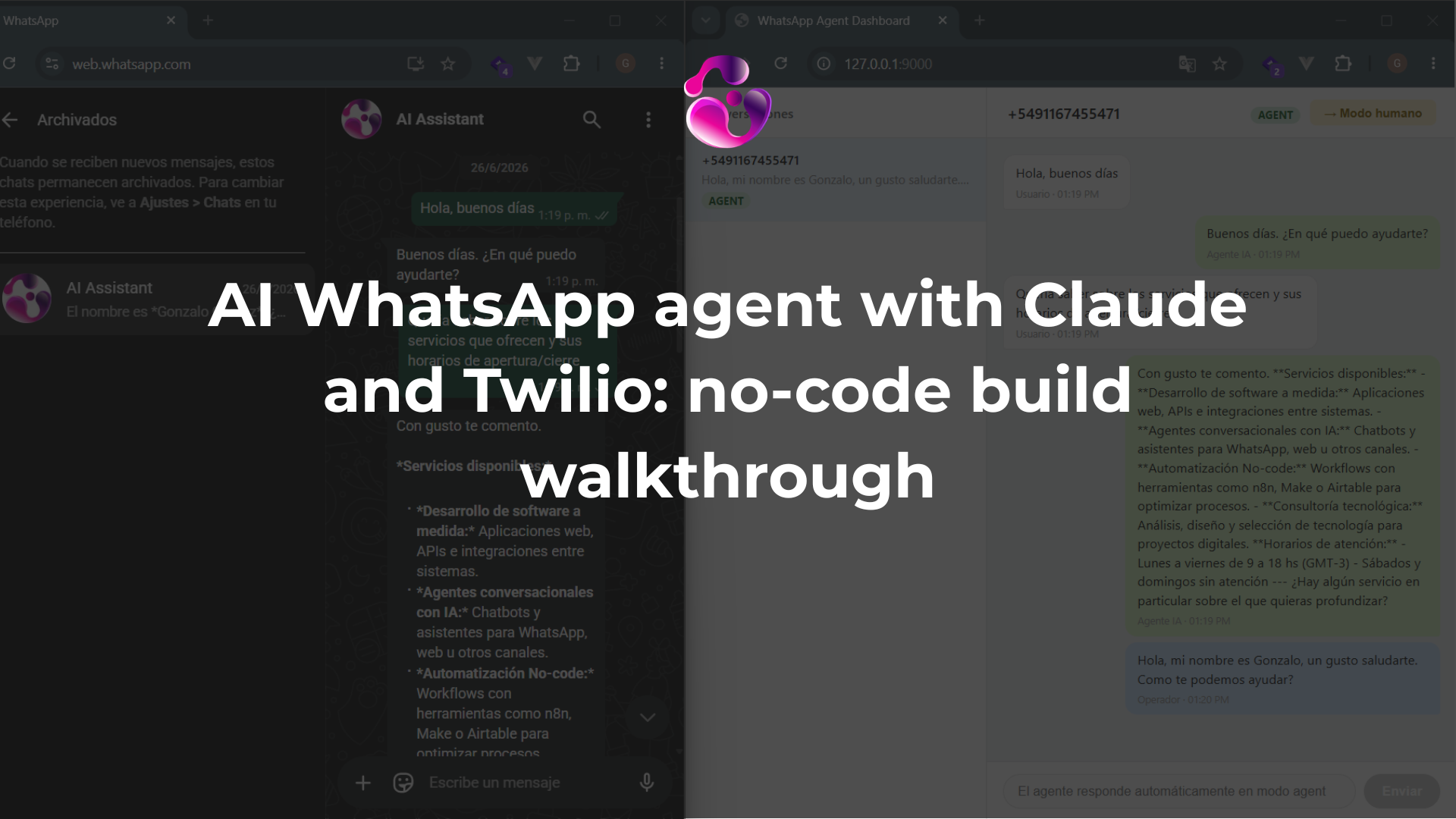
- The operator dashboard polls for new messages every few seconds and lets the operator send manual messages or switch the conversation mode
The signature validation step matters more than it looks. Twilio signs every outbound webhook with a hash derived from your auth token and the request URL. Validating that signature before any processing means a malicious POST to your endpoint gets a 403 and nothing else. Without that check, your endpoint is an open execution surface.
Conversation memory and context window
SQLite with two tables: conversations keyed on phone number, and messages belonging to a conversation. Every inbound and outbound message gets stored.
When Claude needs to respond, the system pulls the last N messages from that conversation and sends them as context. The value of N is a configuration choice with real cost and quality tradeoffs. Too low (5 messages) and the agent loses thread continuity mid-conversation. Too high (50+ messages) and you're burning tokens on context that's mostly irrelevant and you're adding latency to every response.
For a typical FAQ and lead qualification use case, 10 to 15 messages is a reasonable starting point. You'd tune that based on the actual conversation patterns you see in production.
The human-in-the-loop model
This is the piece that makes the system actually usable for a business instead of just interesting as a demo.
Every conversation has a mode: agent or human. When the mode is agent, Claude handles all responses. When the mode is human, Claude stays silent and the operator sends responses manually through the dashboard. The operator can flip the mode at any time from the interface.
The practical use case: your agent handles 80 to 90% of incoming volume, which is people asking the same 15 questions about hours, pricing, availability, and location. When someone sends signals that they're a qualified lead worth a real conversation, you flip the conversation to human mode and take over. The lead never knew they were talking to an AI and doesn't need to.
One thing I ran into during testing: I had Claude respond a couple times with "I don't have information about that" before I had fully loaded the company context. After loading the context and restarting the server, those messages were still in the conversation history. Claude was picking them up as context and reinforcing the idea that it didn't have the information. The fix was to delete those messages from the database before re-testing. In production you'd want to think about how to handle corrections to context gracefully rather than deleting records.
Company context and prompt structure
The company context lives in a separate file that gets loaded into the system prompt. It has fields for: business identity and tone, operating hours, products or services, policies, and a FAQ section.
This is the part where most implementations go wrong. If the context is too vague ("we are a professional company that offers great service"), the agent hallucinates details to fill the gaps. If the context is too long and unstructured, the model buries important facts. The version I implemented gives the agent explicit fallback behavior: if it doesn't know the answer, it offers to connect the user to a human rather than guessing.
The tone field is more important than it sounds. "Professional and formal" produces responses that feel stiff. "Direct, warm, and concise" produces something that reads like a person. The agent picks up on this and it shows in the actual messages.
Claude Code as the build orchestrator
The whole backend was generated by Claude Code using two key files: CLAUDE.md (which defines the stack, architecture, data model, endpoints, and validation logic) and PROMPT.md (which defines the build sequence and tells the model exactly what to produce in what order).
The Twilio MCP server is what makes this work cleanly. Instead of Claude Code reasoning from whatever Twilio knowledge was in its training data, it has a live connection to Twilio's documentation. When it needs to know how to configure a WhatsApp webhook or how to authenticate a messaging service, it queries the MCP and gets current information. The generated code reflects the actual API surface, not a version from 18 months ago.
The output was a working FastAPI application with a SQLite schema, a signature validation middleware, a conversation mode system, and an HTML dashboard for the operator view. The .env file was generated empty, which is the right behavior; the model created the structure but left the secrets for a human to fill in.
Not everything worked on the first run. The company context wasn't being loaded correctly after a server restart. I debugged that with Claude Code in the same session and it identified the issue. That back-and-forth with the model to fix its own output is a real part of this workflow, it's not a one-shot build.
What you actually need to set up on you rown
Claude Code handles the code. The parts that require human configuration are:
- Twilio account creation and initial credit load
- WhatsApp sender registration (either linking an existing Meta Business profile or acquiring a Twilio number and going through the Meta verification flow)
- NGrok account and domain setup
- Anthropic API account and credit load
- Filling in the
.envwith the actual credentials: Anthropic API key, Twilio account SID, Twilio auth token, NGrok domain and token, WhatsApp from number, Messaging Service SID, WhatsApp Sender ID
The Messaging Service SID and WhatsApp Sender ID are the ones people miss. The Messaging Service SID lives under Messaging > Services in the Twilio console. The Sender ID is in the URL when you open the sender detail page under Numbers and Senders > WhatsApp.
Trade-offs worth knowing before you deploy this
SQLite vs. other databases: SQLite is fine for development and for low-volume production (say, under a few hundred conversations a day). If you're routing volume through this, you want PostgreSQL and proper indexing on the conversation lookup by phone number. SQLite will become a bottleneck under concurrent writes.
NGrok in production: NGrok tunnels are for local dev. When this goes to a real server, you replace the NGrok URL in Twilio's webhook configuration with your server's actual URL. If you stay on the NGrok free tier, the domain changes on restart, which breaks your webhook config.
Claude model selection: The PROMPT.md file specifies which model to use for response generation. Haiku is fast and cheap, good for FAQ responses. Sonnet is better at nuanced conversation and handling edge cases in lead qualification. Worth testing both against your actual use case before locking in.
Message deletion caveat: The system I built doesn't have a soft delete or correction mechanism for messages that polluted the context window. For a production system you'd want that, or at minimum a way to reset the conversation context without dropping the message history.
The system works. The architecture is sound for the use case. The pieces that matter for real operation are the signature validation, the context window sizing, and the human handoff logic, and all three are in there.
You can find the files including the architectural concept in this repo.
-Gonza
Want an AI agent like this on your WhatsApp? Take a look at my WhatsApp AI agent services.
Want something like this running in your business? Let's talk it through.
Book a free 30-minute callAlready know what you need? Start with a communication audit.